Photographing a Disney Interactive-Style Studio in Glendale
Shooting for a Disney Interactive-type games and digital division means office culture, launch-day coverage and team portraits, all in one building and usually in one day.
What an entertainment tech studio actually needs
Disney Interactive was Disney's games and digital division, and a shoot for a studio like that sits somewhere between corporate photography and editorial. The brief usually has three parts: show the culture of the office, document a product launch or milestone, and deliver a set of team portraits that can live on a careers page, a press kit and an internal slide deck.
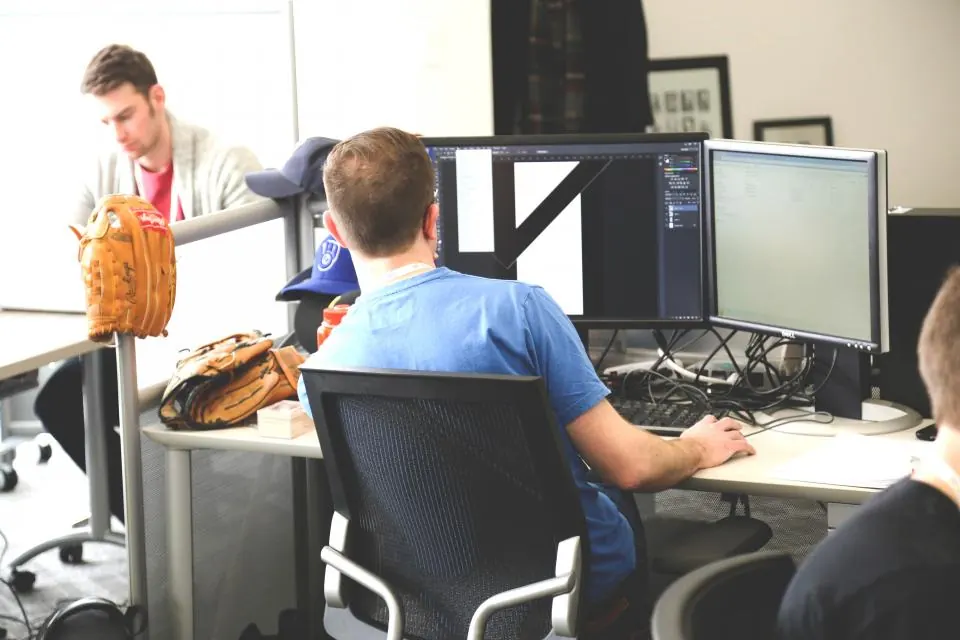
Glendale is a good place to understand the look. Many of the entertainment and tech offices around Brand Boulevard and the city's business districts are open-plan floors with long rows of monitors, glass meeting rooms and a break area that doubles as a town hall. That's your set. Walk it before shoot day with the office manager and note which walls get afternoon sun and which rooms have dimmable overheads.
Ask early what can't be photographed. Games studios often have unreleased art on every screen, so plan for screens that are switched off, blurred, or replaced with approved builds.
Office culture without the stock-photo look
The fastest way to make a studio look generic is to stage four people pointing at a laptop. Instead, sit in on a real stand-up, a playtest session or a whiteboard sketch and shoot it as it happens with a 35mm and a 50mm at f/2 to f/2.8. Raise ISO to 1600 or 3200 rather than adding flash; modern sensors handle it, and the room's own light keeps the mood honest.
Mixed light is the main technical problem. Windows run around 5600K, the overheads may be 4000K, and monitors glow blue. Pick one source to be neutral, usually the window, and let the rest fall where they fall. A sheet of CTO on a small LED can warm a face that's lit only by a screen.
Look for details that say games studio without needing a logo: controllers on a desk, figurines on monitor stands, sticky notes on a sprint board, cables taped across carpet.
An office tells its own story if you stop asking people to point at laptops and start watching what they actually do.
Planning the day around the office
A studio shoot of this kind has to fit around people's real work, so build the schedule with the client's communications lead a week ahead. Book portraits in short blocks, ten people every half hour, and post the timetable in the team chat so nobody is pulled out of a meeting without warning. Leave a buffer after lunch, when people drift back slowly.
Set up the portrait station in a quiet corner or an unused meeting room close to the main floor. If it's too far away, people skip it. Tape cables, keep stands out of walkways and bring sandbags; an office full of rolling chairs is not kind to light stands.
Release forms are part of the plan. Collect them at the portrait station as people arrive, and make a simple list of anyone who prefers not to appear in candid frames. When you edit the culture set for a Disney Interactive-style client, check every face against that list before delivery. It takes ten minutes and saves the client an awkward correction after the images are already live.
Launch day and team portraits
Product launch coverage is event photography with a tighter shot list. Get the wide of the room before people arrive, the moment of the announcement, reactions from the team that built the thing, and close details of the product running on hardware. A 24-70mm f/2.8 and a speedlight bounced off a white ceiling cover most of it.
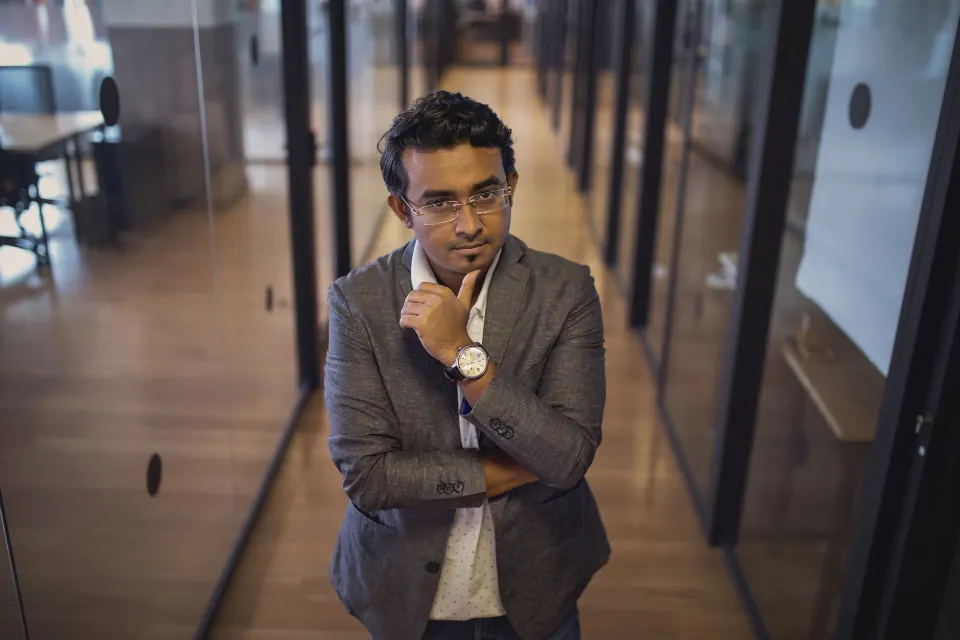
Team portraits are where you can bring a real setup. A two-light kit, a 2x3 foot softbox as key and a strip light as rim, set against a clean wall or a slightly defocused office background, gives you a consistent look you can repeat for every new hire. Shoot tethered so the comms team can approve framing on the spot, and keep camera height and focal length identical across the series.
For large groups, use the office itself. A staircase, a mezzanine or the lobby gives you levels so nobody disappears behind a taller colleague.
Delivering for many audiences
A corporate entertainment client will cut your images into many crops: square for social, wide banners for the careers site, vertical for internal screens. Leave room around subjects and deliver a small set of selects with notes on which frames crop well.
Color-correct to a neutral skin tone and keep the edit restrained. People at a games studio want to look like themselves on a good day, not like a movie poster. Agree on usage and model releases in writing before the shoot, since employee images tend to circulate far longer than anyone expects.